
Creative Mode Guide
Creative Mode arrived in Go-Go Town! version 1.0 (July 16, 2026) as a sandbox for pure building and terraforming without Coin or EGO pressure. It is ideal for mocking up road grids, testing decoration sets, filming tours, or teaching co-op friends controls before touching a ranked save. Creative Mode progress is separate from your main mayor campaign — understand that boundary before grinding rank stars in the wrong place.
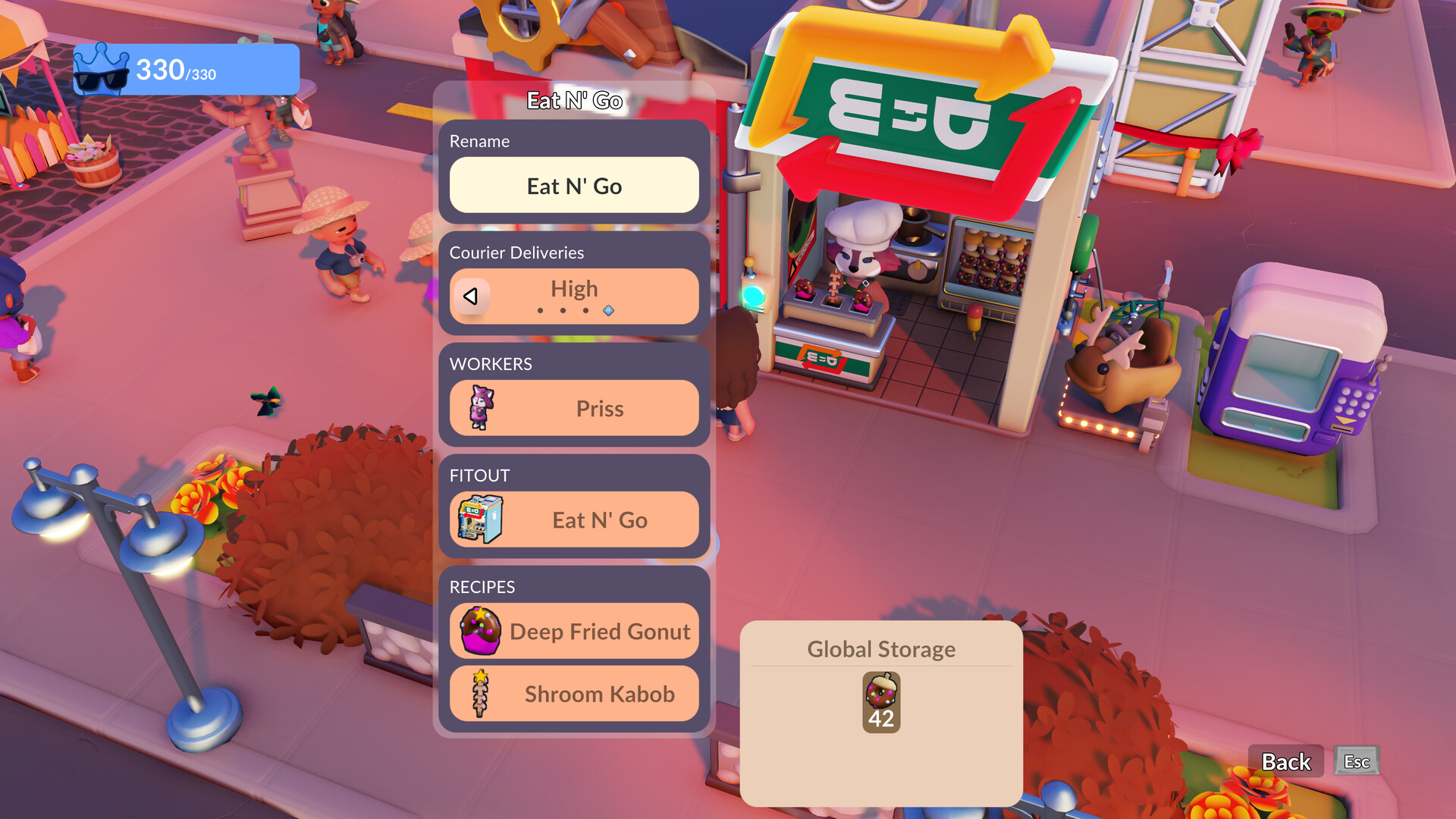
Accessing Creative Mode
From the main menu after updating to 1.0, select Creative Mode or sandbox option (exact label per patch). Create a new sandbox save distinct from your campaign town.
Steam and Switch both include Creative Mode at launch; Switch 2 enhanced performance helps large decorated districts.
What is unlimited
Building placement, terraforming, road tools, and decoration catalogs typically ignore Coin costs in Creative Mode. EGO tech gates may be lifted or simplified so you can test couriers and zones instantly.
Use this to prototype desert layouts or cave-adjacent districts before spending real currency on your main save.
What does not transfer
Rank stars, EGO totals, Townie employment, export progress, and story quests stay in your campaign save. Creative layouts can sometimes be referenced manually — there is no full save merge at launch.
Take screenshots or notes of road grids and depot positions to replicate in campaign mode.
Best use cases
Blueprint rehearsal for couriers and depot hubs. Decoration contests with co-op friends. Streaming set builds without spoiling campaign progression.
Teaching F interact, TAB phone, and build mode to new Vice-Mayors on PC or Switch.
Creative vs. campaign strategy
Campaign mode remains the path for achievements, rank challenges, and exports. Creative Mode is practice space — wonderful for content creators, optional for efficiency-focused mayors.