
Character Customization
Go-Go Town! lets every mayor express personality before zoning the first road. Version 1.0 expanded clothing pools, accessories, and Change-O-Tron quality-of-life updates from Early Access. The Change-O-Tron machine sits near the train station north of spawn — interact with F (PC) to swap outfits whenever you unlock new apparel from quests, TownCo tickets, or rank rewards.
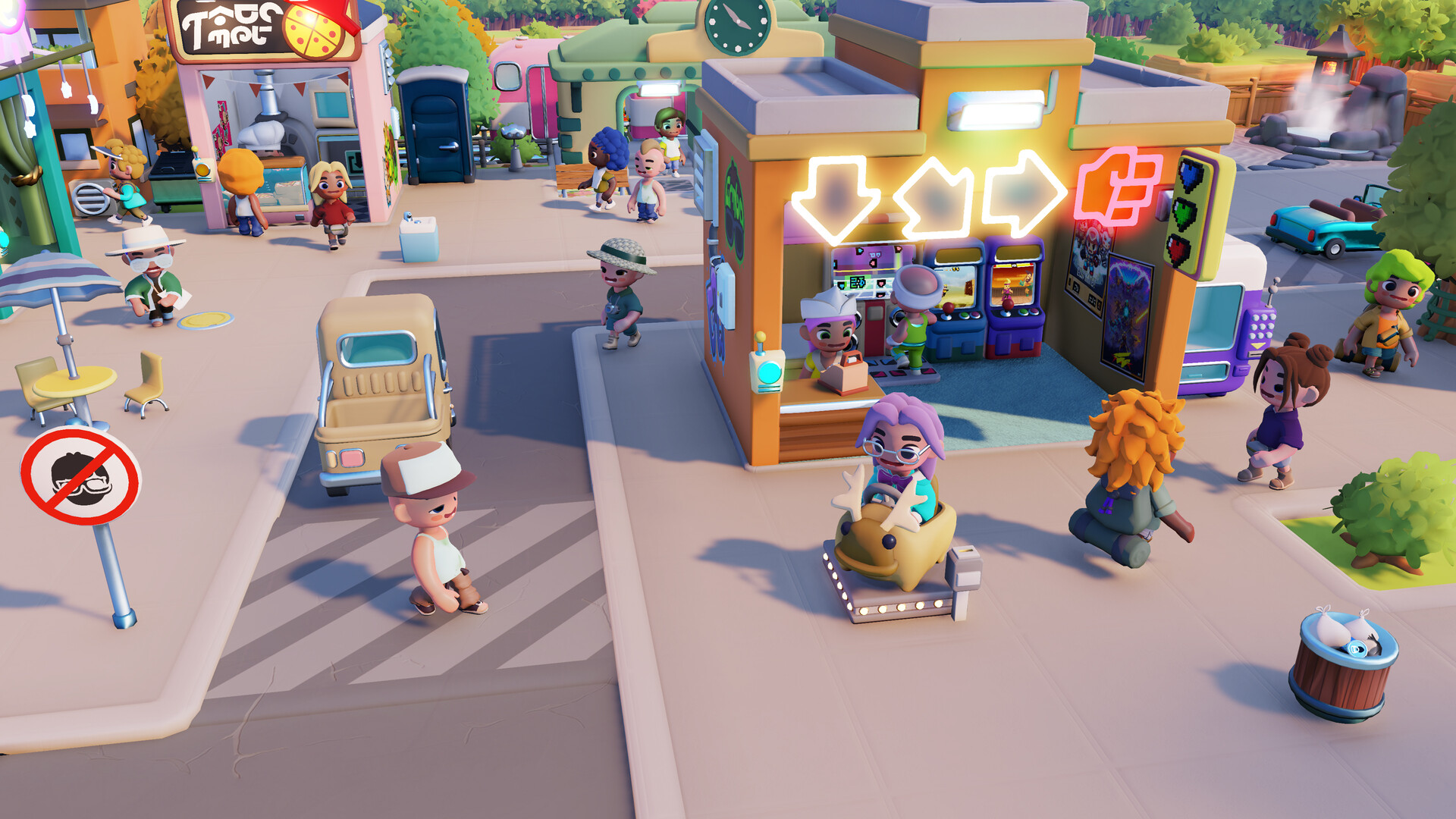
Finding the Change-O-Tron
From mayor spawn, head toward the train station; the Change-O-Tron is the customization terminal referenced in loading tips. Controllers use the same interact binding as shops — see controls/controller.
Switch and Steam Deck players should remap interact if muscle memory differs — Steam Input profiles help on Deck.
Unlocking new styles
Clothing arrives via rank challenges, tourism milestones, TownCo Exports tickets (coin-based after patch 1.0.25831), and special events. Pinning the phone widget shows unlock notifications you might otherwise miss during courier upgrades.
Co-op Vice-Mayors customize independently — your outfit does not sync to friends, but emotes and pings still coordinate sessions.
1.0 customization updates
Launch patches mention Change-O-Tron updates alongside new player interactions such as eating food from shop displays. Customization is cosmetic only — no EGO or Coin stats change with outfits.
Hotfix 1.0.25917 (July 22, 2026) added a dedicated wardrobe icon for Classy Glasses — easier to spot in the Change-O-Tron list after rank or TownCo unlocks. See updates/patch-1-0-25917 for the full polish pass.